




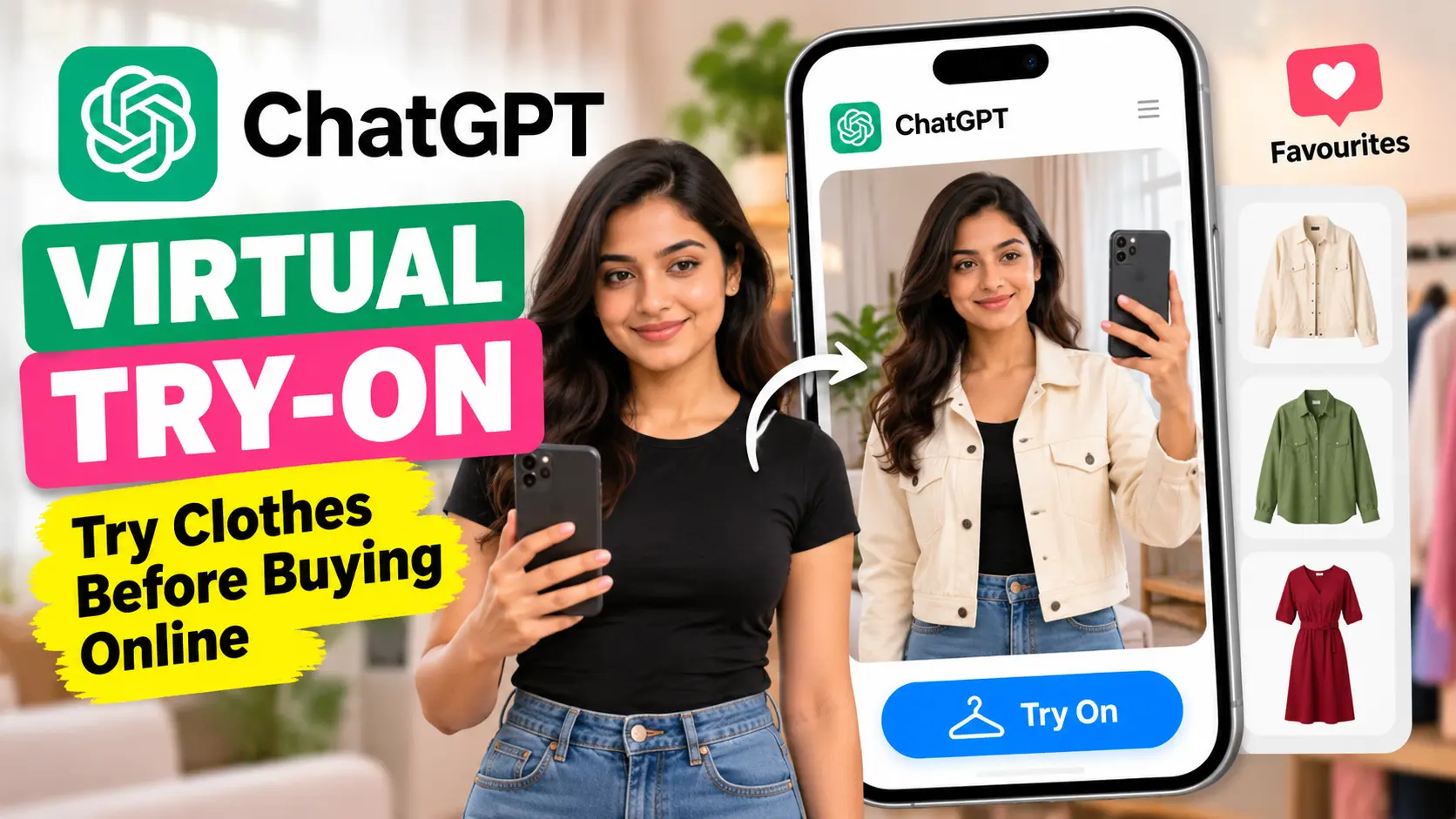
Shopping for clothes online usually comes down to photos, measurements and guesswork. ChatGPT is adding another option: you can now upload your photo and see how selected clothes may look on you before placing an order.
OpenAI is rolling out a virtual try-on feature for ChatGPT shopping results. The company is also adding a Favourites option, which lets users save products they want to check again later.
The idea is straightforward. Instead of looking at a shirt or jacket on a model and imagining how it might look on you, ChatGPT can generate an image showing the clothing on your uploaded photo.
How ChatGPT’s virtual try-on works
You first need to upload a selfie or a full-body photo to ChatGPT.
When shopping results support the option, a new Try On button can appear. Selecting it allows ChatGPT to create a preview of how the chosen clothing or accessory may look on you.
There is another way to use it. You can upload a picture of an item and ask ChatGPT to create a try-on image.
The result is still an AI-generated preview, so it should not be treated as an exact representation of how the clothing will fit in person. Its main purpose is to give shoppers another visual reference before making a purchase.
OpenAI says the system uses its ChatGPT Images 2.5 model. The company says the model has improvements in lighting, textures, instruction following and image generation speed. Those changes are intended to produce more convincing clothing previews.
Your saved clothes can stay in one place
The virtual try-on tool is arriving with another shopping option called Favourites.
When you find something you may want to buy, you can save it to a Library inside the app. You can return to those products later instead of searching for them again.
OpenAI says saved products will appear alongside try-on images. That puts the products you are considering and the generated previews in the same place.
For someone comparing several shirts, jackets or accessories, that could make the shopping process easier to manage.
ChatGPT can also help build an outfit
The shopping tools are not limited to trying on one product.
You can describe the style you want and ask ChatGPT to find clothing pieces that fit that look. You can also upload a photo of a celebrity outfit and ask ChatGPT to identify items that are available to purchase.
That changes the role of ChatGPT during online shopping. Instead of searching for one product by name, a shopper can start with an image or a description and work backwards toward individual items.
For example, a photo can become the starting point for finding similar clothes, while the try-on option can help visualise the result on your own photo.
Google already offers a similar shopping tool
OpenAI is not the first company to bring virtual clothing previews to online shopping.
Google introduced a similar option in Search in 2025. Its tool allows users to upload photos and see themselves wearing different clothes.
The difference here is that OpenAI is placing the try-on option inside ChatGPT’s shopping experience, where users can also search for products, save them and work with images through the same interface.
There is one privacy point to check
Uploading a personal photo to an AI service deserves some attention.
OpenAI says images uploaded from a personal account can be used for training by default unless the user opts out. That makes the account’s data settings worth checking before uploading personal or full-body photographs.
Users should also remember that a generated try-on image is not the same as physically wearing the clothing. Fit, fabric, stitching, colour, and how the material falls on the body can differ from the generated image.
The new shopping tools are rolling out globally to ChatGPT users. For online shoppers, the most useful part may be simple: seeing a product on your own photo gives you more information than looking at a catalogue image alone.
Also read | 10 ChatGPT Prompts to Save Hours of Work Instantly
Also read | ChatGPT Ads Are Coming: What You Need to Know