

Close Menu
InfovistarInfovistar
  • AI & ML
  • Cybersecurity
  • Money
    • Personal Finance
  • Insights
    • Tech News
    • Startup
    • Web Development
    • AWS and Cloud
    • Blockchain and Cryptocurrency
    • Chatbots
    • Technology
    • DevOps
    • Resources
  • Courses
    • Machine Learning
      • Python Tutorial
      • TensorFlow Tutorial
      • OpenCV
    • DSA
      • Data Structures
    • Web Development
      • PHP Tutorial
      • CodeIgniter Tutorial
      • CodeIgniter 4 Tutorial
      • CodeIgniter 4 AJAX
      • JavaScript
    • Mobile Development
      • Android Tutorial
  • Tools
    • Beautifier
      • HTML Beautifier
      • JavaScript Beautifier
      • CSS Beautifier
    • Online Compilers
      • Python Compiler
      • Java Compiler
      • JavaScript Editor
      • PHP Compiler
      • C++ Compiler
      • C Compiler
    • Image Optimization
      • Image Compressor
      • JPEG to PNG
      • PNG to JPEG
      • WebP to PNG
Trending News

Binance Hack: $6.3 Billion Drained in the Largest Crypto Theft Ever. What We Know So Far

October 30, 2026

This Site Uses XSLT Chrome Warning Explained: How to Fix It

October 30, 2026

iPad mini OLED Price in India: Wi-Fi & Cellular Variants, Offers

October 30, 2026
Facebook X (Twitter) Instagram
Facebook X (Twitter) Instagram Pinterest Vimeo
InfovistarInfovistar
  • AI & ML
  • Cybersecurity
  • Money
    • Personal Finance
  • Insights
    • Tech News
    • Startup
    • Web Development
    • AWS and Cloud
    • Blockchain and Cryptocurrency
    • Chatbots
    • Technology
    • DevOps
    • Resources
  • Courses
    • Machine Learning
      • Python Tutorial
      • TensorFlow Tutorial
      • OpenCV
    • DSA
      • Data Structures
    • Web Development
      • PHP Tutorial
      • CodeIgniter Tutorial
      • CodeIgniter 4 Tutorial
      • CodeIgniter 4 AJAX
      • JavaScript
    • Mobile Development
      • Android Tutorial
  • Tools
    • Beautifier
      • HTML Beautifier
      • JavaScript Beautifier
      • CSS Beautifier
    • Online Compilers
      • Python Compiler
      • Java Compiler
      • JavaScript Editor
      • PHP Compiler
      • C++ Compiler
      • C Compiler
    • Image Optimization
      • Image Compressor
      • JPEG to PNG
      • PNG to JPEG
      • WebP to PNG
Subscribe
InfovistarInfovistar
Home » Top 5 DeepSeek chrome extensions you must try
Tech Tips

Top 5 DeepSeek chrome extensions you must try

InfovistarBy InfovistarMarch 6, 2025No Comments3 Mins Read
Share Facebook Twitter Pinterest LinkedIn Tumblr Reddit Telegram Email
Top 5 DeepSeek Chrome Extensions for Better Browsing
Share
Facebook Twitter LinkedIn Pinterest Email

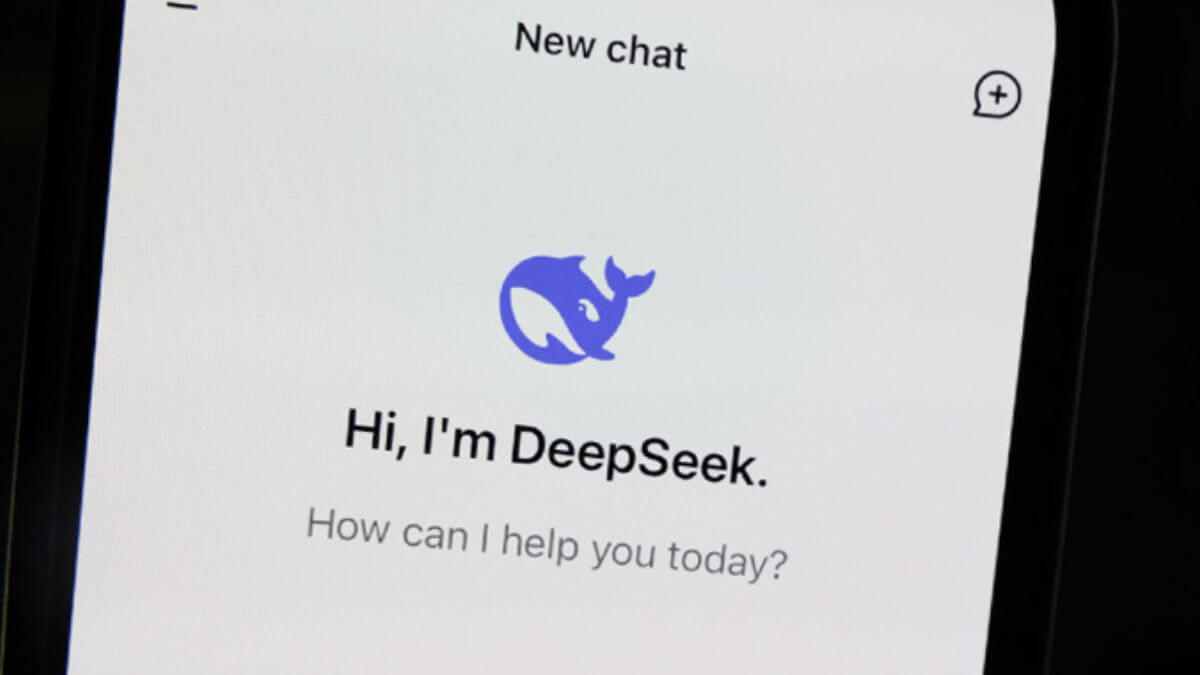
DeepSeek works well with different Chrome extensions that improve browsing. These extensions are easy to install and have simple interfaces. They help users enhance their browsing experience with AI-powered features.

Users can try various DeepSeek Chrome extensions to make their browsing smoother. This blog helps users pick the best DeepSeek Chrome extensions for better productivity.

Best DeepSeek Chrome Extensions to Try

We have tested many DeepSeek Chrome extensions. Here are the top five extensions that improve browsing efficiency.

1. DeepSeek Assistant

DeepSeek Assistant is a powerful extension that helps users browse efficiently. It features a traditional sidebar that allows users to chat with friends, and the minibar enables users to type text directly on web pages.

This AI-powered tool provides quick answers and ideas. It’s an easy-to-use interface that helps users find information faster. The assistant improves productivity by making browsing seamless and interactive.

2. VoiceWave Extension

VoiceWave Extension is another useful tool that works through voice commands. Users can speak in different languages and receive responses in a natural voice. This extension enhances accessibility and helps users interact better with web content.

VoiceWave also integrates with ChatGPT and other AI chatbots. It allows users to listen to text while highlighting important information. This feature makes it a great choice for multitasking and learning.

Also read | How to Integrate Google Gemini to WhatsApp

3. DeepSeek AI by SupaEasy

DeepSeek AI by SupaEasy is perfect for users who need a simple browsing assistant. It runs smoothly on the DeepSeek R1 model and has a clean user interface. One of its main features is fast responses to prompts.

Users can view their full conversation history with this extension. However, it lacks some advanced features available in other AI browser assistants. Despite this, it remains a good choice for basic AI-powered browsing.

4. DeepChat Sidebar

DeepChat Sidebar is an AI assistant that adds a sidebar to websites. Users can chat with DeepSeek AI without leaving their current page. This extension improves browsing by providing easy access to AI-powered tools.

It includes features such as grammar checking, text summarization, and text customization. Users can browse multiple websites while keeping their AI assistant accessible. This tool is excellent for users who want to improve their workflow.

5. DeepSeek R1 by Fadelmalnab

DeepSeek R1 by Fadelmalnab is a highly interactive AI assistant. It provides users with five free queries and a simple interface. The extension also offers dark mode and stores chat history for future reference.

Users can upload images in formats like .jpeg, .jpg, and .png. It supports 28 languages, making it accessible to a diverse audience. This tool enhances browsing by offering multiple useful features in a single extension.

Also read | 10 ChatGPT Prompts to Save Hours of Work Instantly

Conclusion

These five DeepSeek Chrome extensions improve browsing by offering AI-powered assistance. Each extension has unique features that cater to different needs. DeepSeek Assistant stands out as the best choice because of its minibar and sidebar features.

Users can choose any of these tools to improve their browsing experience. These extensions help users get quick answers, organize information, and enhance productivity.

Chrome Extensions DeepSeek google chrome
Share. Facebook Twitter Pinterest LinkedIn Tumblr Email
Previous ArticleHow to Stay Safe from Phishing and Social Engineering Attacks
Next Article Top 10 Game Changing AI Startups in 2025
Infovistar
  • Website
  • Facebook
  • X (Twitter)
  • Instagram
  • LinkedIn

Related Posts

Web Development

This Site Uses XSLT Chrome Warning Explained: How to Fix It

October 30, 2026
Tech Tips

Best Laptops for Coding and Programming in India: 2026 Buying Guide

October 19, 2026
Tech Tips

Gemini Free vs Google AI Plus, Pro and Ultra: Which Plan Do You Need in 2026?

October 19, 2026
Add A Comment

Comments are closed.

Blog Categories
  • AI and ML (100)
  • Android (4)
  • AWS and Cloud (7)
  • Blockchain and Cryptocurrency (7)
  • Case Study (7)
  • Chatbots (5)
  • Cybersecurity (77)
  • DevOps (5)
  • Money (6)
  • Object-Oriented Programming (2)
  • Payment Gateway (4)
  • Personal Finance (6)
  • Resources (5)
  • Search Engine Optimization (3)
  • Startup (34)
  • Tech News (77)
  • Tech Tips (17)
  • Technology (79)
  • Trading (6)
  • Web Development (24)
Top Posts

Google is rolling out Identity Check Feature to Android 15

January 25, 20252,375 Views

How to Use Google Gemini with WhatsApp in 2026

February 16, 20241,913 Views

OpenAI Unveils Web-Based AI Agent Operator for Task Automation

January 24, 20251,507 Views
Stay In Touch
  • Facebook
  • YouTube
  • WhatsApp
  • Twitter
  • Instagram
  • Pinterest
  • LinkedIn
Latest Articles

Subscribe to Updates

Get the latest tech news from FooBar about tech, design and biz.

Facebook X (Twitter) Instagram Pinterest
  • About Us
  • Contact Us
  • Tools
  • Terms & Conditions
  • Privacy Policy
  • AdSense Disclaimer
© 2026 Infovistar. Designed and Developed by Infovistar.

Type above and press Enter to search. Press Esc to cancel.