

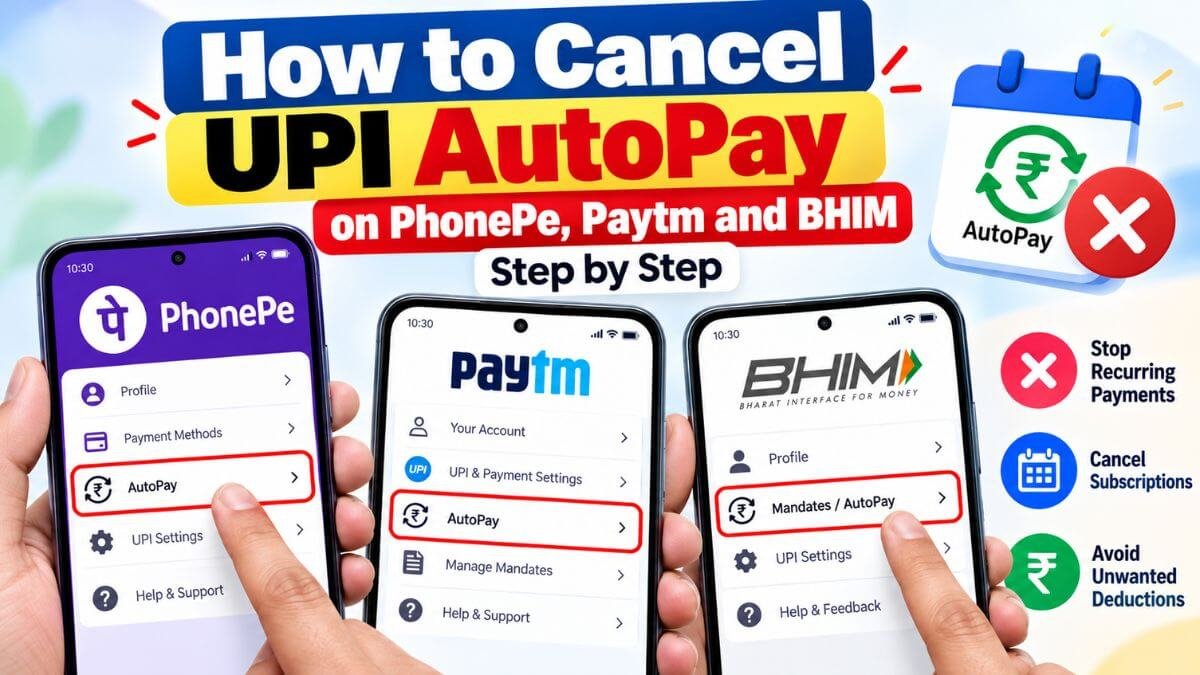
If you approved a UPI AutoPay mandate in PhonePe, Paytm or BHIM, you can stop it from the same app in a minute. The steps are similar across apps, but the menu names differ. This guide covers each one and what to do when the cancel option is missing.
Quick answer
- Cancel the mandate in the same UPI app where you approved it.
- Look for Autopay, Automatic Payments or Mandates, select the mandate, tap Cancel or Remove, and confirm with your UPI PIN.
- Use Pause if you only want a break.
- Cancelling the mandate does not cancel the subscription or a loan. Handle those separately.
PhonePe: how to cancel UPI AutoPay
- Open the PhonePe app and tap your profile picture.
- Scroll to Payment Management and tap Autopay.
- Select the mandate you want to stop.
- Scroll down and tap Remove Autopay (or Cancel).
- Enter your UPI PIN to confirm.
Paytm: steps to cancel UPI AutoPay
- Open the Paytm app and go to UPI & Payment Settings.
- Scroll down and select UPI Automatic Payments.
- Tap the mandate you want to cancel.
- Choose Cancel Mandate at the bottom of the details page.
- Authorise with your UPI PIN.
BHIM and other UPI apps: cancelling AutoPay
On BHIM and bank UPI apps, the path is usually the same idea:
- Open the app and find Autopay, Mandates or Recurring payments. It may be under your profile or settings.
- Select the active mandate.
- Tap Cancel, Revoke or Delete.
- Confirm with your UPI PIN.
For Google Pay, see our guide to cancelling Autopay on Google Pay.
Pause instead of cancelling
Most apps also let you pause a mandate. You choose a start and end date for the pause, and the mandate resumes afterwards. Pausing is useful if you want to skip a few months without setting up a new mandate. Check that the merchant allows it, because some services may stop when a payment is missed.
Why you may not be able to cancel
- You are in the wrong app. A mandate can be managed only in the UPI app where you approved it.
- It is a loan or EMI mandate. Some lenders do not allow you to cancel the mandate in the UPI app. Contact the lender or your bank. Cancelling would not cancel the loan, and missed EMIs can hurt your credit score.
- The bank account is inactive or the account details changed.
- The mandate is not showing yet. New mandates can take some time to appear. Update the app and check again.
What to do after you cancel
- Turn off auto-renewal in the merchant’s app too.
- Check your bank statement on the next billing date.
- Save a screenshot of the cancelled mandate.
- If you are charged after cancelling, contact the merchant first, then your bank, and if it is still unresolved, you can file a complaint on RBI’s portal (cms.rbi.org.in).
FAQs
Do I need my UPI PIN to cancel?
Most UPI apps ask for your UPI PIN to cancel or pause a mandate.
Will I get a refund for the current month?
That depends on the merchant’s policy. Cancelling stops future payments, but it does not automatically refund past ones.
Can I cancel from the merchant’s website instead?
Often yes. You can turn off auto-renewal in the merchant’s account settings, but check your UPI app to confirm the mandate is no longer active.
Can I cancel all mandates together?
No. You need to cancel each mandate separately.
Can I restart AutoPay later?
Yes, but you need to set up a new mandate from the merchant’s app or website. To learn how mandates work, read what UPI AutoPay is.
Menu names differ by app version, bank and merchant, so check the steps on your own phone. This article is for general information.